Buy IPTV: 5 Ways to Find the Right Streaming Plan for Your Home
BUY IPTV
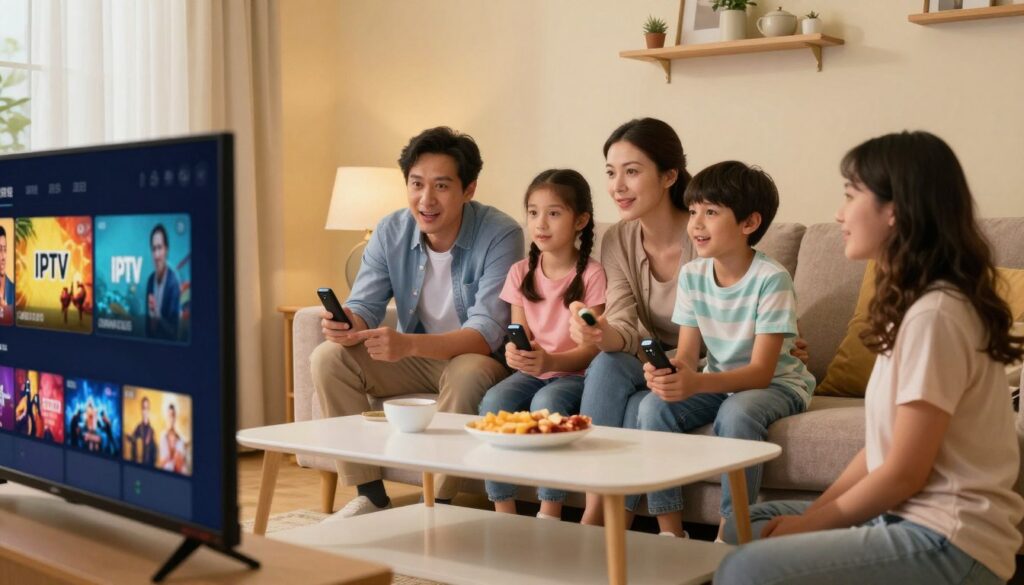
Your best-fit plan starts with the shows, channels, and screens your household actually uses. Paying for a long list of options can feel wasteful when your family watches only a few. Your home entertainment needs may differ from a neighbor’s, even when you own similar TVs.
Before you compare plans, think about your usual viewing habits, the devices you already own, and how much flexibility you want. A household that watches live sports may need different channels than one that mostly streams movies and series. Your viewing experience also depends on how well a service fits your daily routine.
Entertainment Starts Here.
Live TV • Movies • Sports • 4K
A little planning can help you avoid paying for features you do not use. Focus on the channels you would miss, the screens you watch on, and the terms that matter to your household. A short list keeps your comparison grounded in real needs, rather than a sales page’s biggest claims.
Key Takeaways
- Start with the channels and programs your household watches.
- Compare live channels and on-demand titles as separate offers.
- Check the full plan charge, not only its monthly equivalent.
- Confirm your device and player work with the service.
- Read the renewal and cancellation terms before paying.
A short list of must-have channels and the model of your main screen will make the comparison more useful.
What Does IPTV Deliver to Your Screen?
An IPTV subscription delivers television through an internet connection, but the service, player, and screen device are separate parts of the setup. IPTV means television content delivered to your device over an internet connection, either live or on demand.
The IPTV service supplies access to content. An IPTV player handles playback, while a streaming device runs that player on your screen. Buying a device or downloading a player does not provide a content subscription.
Check that your subscription supplies the content access you expect, not just an app or a device.
Live channels show scheduled programming as it airs, such as news, sports, or entertainment. Video on demand lets you choose a movie or episode from a library.
M3U and Xtream are playlist or login methods that compatible IPTV players can use. Your IPTV subscription may use one of these formats to connect its service to the player.
Some offers focus on an app, while others sell hardware or content access. Check exactly what the advertised subscription includes before paying, especially when an offer bundles several items together.
Is IPTV Legal to Use in the United States?
IPTV is a delivery method, so legality depends on whether the service is authorized to distribute the content it streams. The key question is content authorization, not the name of the player or box.
An IPTV box is hardware, and IPTV technology sends content over an internet connection. Neither one proves that a provider has the rights to stream its shows, movies, or channels. Accessing copyrighted content through an unauthorized service is illegal.
An Android TV box itself is legal to own and use. To watch licensed content, you must subscribe separately to an authorized IPTV service. The box does not grant permission to view every stream it can play.
Check the provider’s identity, terms, and information about its content rights. Look for a clear explanation of what the service offers and where it can distribute that content. A working stream or a professional-looking app does not establish those rights.
There is no single legal status for every IPTV service in the USA. Each provider’s authorization and the content it carries matter. These points offer general information, not individual legal advice.
If the provider cannot clearly explain its rights and terms, do not treat a large channel list as evidence of authorization.
Which Channels and On-Demand Content Matter to You?
A useful channel count is the number of channels and titles your household will actually watch, not the largest number on a sales page. Start with your own viewing list instead of a broad promise about entertainment.
Before comparing services, write down five must-have channels and three content priorities. Your priorities might include sports, movies, or children’s programming. A large total count does not mean the service carries your chosen channels or titles.
Separate live channels from on-demand libraries
Live channels and on-demand libraries are different parts of an IPTV offer. Live news, sports, and entertainment channels follow a schedule, so a program may not be available when you want it.
Movies and series in an on-demand library let you choose what to play and when. A service may have a strong live lineup but a small library, or many movies and series but few live channels.
Check the channel names and the titles in the library separately. A headline count can combine both, which makes it hard to see what the number actually measures.
Match the catalog to your household
Compare the detailed lineup with your family’s local and international viewing habits. Check language choices, local news, family viewing, and the shows each person wants to watch.
If sports matter, look for the specific leagues, teams, or events you follow. A listing that says “sports” may not include the games your household cares about.
For children’s programming, check both live channels and on-demand titles. Confirm that the catalog includes the shows and age ranges that suit your family, rather than assuming a general family label covers them.
Check the channel names and the on-demand catalog separately before treating either as a reason to subscribe.
How Much Does It Cost to Buy IPTV?
Typical IPTV subscription pricing is $14 per month, with the plan term and included features shaping the comparison. That range is a general guide, not the price of every provider or plan.
Buying an IPTV subscription means comparing the total charge and duration, not just the displayed monthly equivalent. Work out what you will pay for the full plan term before checkout.
Look beyond the advertised monthly equivalent
Check how many connections the plan allows and which features it includes. A low displayed rate may not include the access or features your household expects.
Read the renewal terms and check for extra charges. Look for costs tied to setup, added connections, premium events, or other items named in the offer.
Pay attention to whether a displayed rate applies for the whole term or only an initial period. A monthly equivalent can make a long prepayment seem smaller than the charge at checkout.
Compare the full charge for the period you intend to use the service, not just its lowest displayed monthly figure.
How Can You Check an IPTV Service Before Paying?
A short test of the exact channels and features you care about is more useful than a provider’s broad performance promise. Your own viewing test can show how the service works on your connection.
A channel list and actual playback answer different questions. A claimed uptime percentage is a provider’s claim, not proof that every channel will play reliably. Test live playback and video on demand separately.
Verify the lineup and playback
Use this checklist to test the parts of the IPTV service that matter most to you:
- Confirm the named channels you want to watch.
- Test live playback on a channel you know.
- Test video on demand with a movie or series.
- Check picture quality on your own internet connection.
A channel name on a list does not tell you how it plays. Your live sports channel may behave differently from a movie in the on-demand library, so test both kinds of viewing.
Check support and service terms
Review the contact methods and stated response expectations before you sign up. Check whether the support team offers a clear way to reach a person when an access issue comes up.
Read the written terms for cancellation and service use. Note how the provider describes support and what it promises if playback problems occur.
Claims that a service is the best IPTV option do not replace a check of your must-have channels. The best IPTV service for your home is one that fits your viewing needs and works in your own test.
Save a copy of the service terms that apply on the day you sign up.
What Should You Check in Trials and Payment Terms?
A trial lets you evaluate access, while a refund policy governs what happens after you have paid. They are different offers, and their rules may change your risk at checkout.
A free trial gives you access before or during an initial evaluation. A money-back period applies after payment, under the conditions stated by the provider. Compare today’s payment with the renewal and refund conditions.
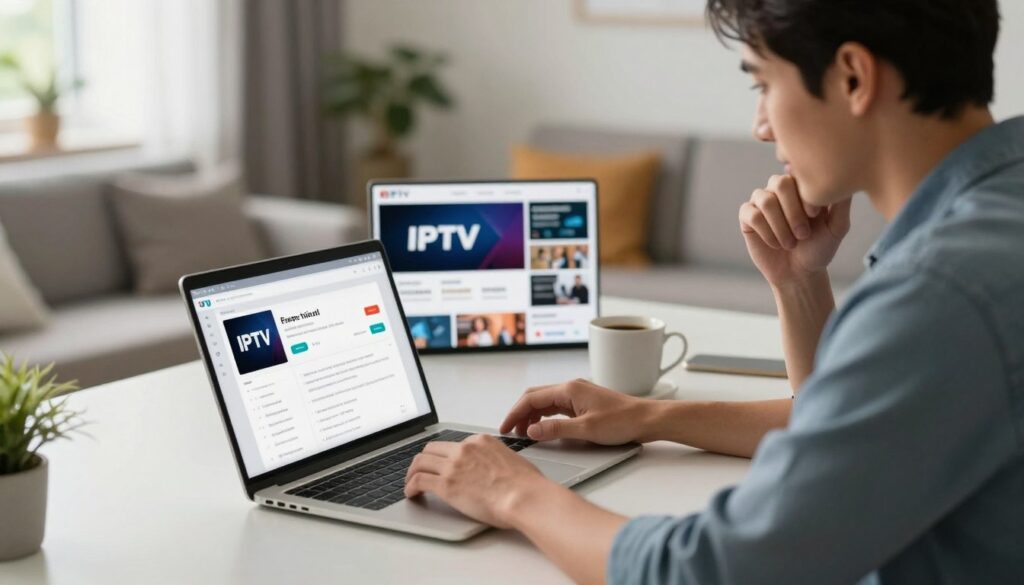
Before you enter payment details, check these four points:
- Is the trial free or paid?
- How long does access last?
- Does payment renew automatically?
- What refund deadline and conditions apply?
A free trial and a money-back guarantee are not interchangeable. One may let you use the service before a charge, while the other sets conditions for getting money back after payment.
Read the current checkout terms for the payment method and renewal rules. A trial may require payment details, and a paid plan may renew unless you cancel under its stated rules.
Record the trial end date and any refund deadline before entering payment details.
Will Your Devices Support the Service and Player?
Confirm the exact device model and player combination, since support for one does not guarantee support for the other. Compatibility depends on both sides of the setup.
A service may work with some smart TVs but not others. A player app may also need a certain operating system or login format. Check the service’s device list and the app’s requirements before buying hardware.
Check the TV or streaming platform
Use this five-item checklist to match your equipment with the service:
- Device model
- Operating system
- Supported player app
- Required login format
- Simultaneous-connection limit
Write down the full model name of your TV or streaming device. The model can matter because two products from the same brand may use different systems or app support.
Confirm app and operating-system requirements
The provider’s device list and the app’s own requirements both matter. Confirm that the service supports the player you plan to use on your specific device.
IPTV on Amazon Fire TV devices means running a compatible app on Fire TV hardware with a separate service subscription. An Amazon Fire TV device does not include access to an IPTV service by itself.
Some login methods may work in one player but not another. Check whether the service gives you M3U or Xtream credentials that the chosen player can accept.
Check compatibility against your specific model before spending money on a new streaming device.
Match hardware to your network and picture quality
A fully loaded IPTV box is still hardware. It does not promise licensed content or include an IPTV subscription unless a separate offer clearly says so.
For a stable wired connection, note that the Fire TV Stick model needs an adapter for Ethernet. Wi-Fi and wired network choices can affect how well a stream fits your home setup.
Match the screen’s resolution with the playback features you value. A 4K label alone does not mean every stream will play in 4K, since the content and service also matter.
Check the service’s supported-device list before choosing a box for a specific feature such as Ethernet, multicast, or 4K playback.
Can IPTV Smarters Pro Work With Your Playlist?
IPTV Smarters Pro can play compatible M3U or Xtream access, but you need to supply the service and content. The app organizes access; it does not sell a subscription or streams.
IPTV Smarters Player PRO supports M3U and Xtream playlists, but users must supply their own content. The app alone does not provide channels, streams, or digital content.
Check supported playlists and guide data
An EPG, or electronic program guide, displays program schedules in a player. Check the format your service provides and whether the app can read it.
| Format or feature | What it handles | IPTV Smarters Player PRO support |
|---|---|---|
| M3U playlists | Playlist access details | Supported |
| Xtream playlists | Service login access | Supported |
| XMLTV EPG | Electronic program guide data | Supported |
| GZIP EPG | Compressed guide data | Supported |
Playlist support does not mean every service feature will appear in the app. Your provider’s format and access details must match what the player can use.
Use casting and catch-up features where supported
The app supports Chromecast and AirPlay, which can send playback to compatible screens. It also supports TV archive or catch-up features when the service provides them.
Catch-up access depends on the service’s content and how it makes past programs available. An app feature cannot add archived shows that the provider does not supply.
The App Store listing requires iOS 18.0 or later. Check that your device meets this listed requirement before relying on the app for viewing.
Confirm the app version and operating-system requirement on your device before relying on a feature.
How Do You Set Up an IPTV Subscription?
The basic setup is to add the service’s access details to a compatible player, then let its channel guide load. Your provider’s setup instructions take priority if its login flow differs.
A common setup uses an M3U URL or Xtream credentials. After you enter the details, the player can load channels and sync the EPG. Use the six steps below as a general order.
- Choose the plan you intend to use.
- Receive the service’s access details.
- Install a compatible IPTV player.
- Enter the M3U URL or Xtream credentials.
- Wait for the EPG to sync.
- Adjust viewing settings and test a channel.
The service may send a URL, username, password, or other login details. Keep the information available while you open the player, and enter it in the matching fields.
An EPG may take time to load after you add the access details. A blank guide does not always mean the login failed, so check the player’s status and the provider’s instructions.
If the provider gives a different login path, follow its steps rather than forcing the details into the wrong fields. Player menus can also differ across devices.
Test one live channel and one on-demand title before changing additional settings.
Conclusion
A suitable IPTV plan is the one that matches your viewing needs and works on the equipment you already have. Authorized content and clear terms matter as much as the channel lineup.
Your next step is to compare your must-have channels and device with the service’s written terms. Check the plan length, renewal rules, and what the service says it provides before checkout.
Choose the plan only after you know which screens it supports and what access your payment buys. Clear terms give you a better basis for deciding whether the service fits your home.
Before you pay, confirm your must-have channels, device support, and renewal terms in writing.
FAQ
How much internet speed do you need for IPTV?
Plan for about 5-10 Mbps for HD and 25 Mbps for 4K per active stream. These are practical targets, not guarantees, because the video quality and network conditions affect playback. Multiple streams need more total bandwidth, and other people using the network can reduce what remains. A wired connection may help when Wi-Fi is weak or crowded.
Can one IPTV subscription work on multiple TVs at the same time?
One IPTV subscription can work on multiple TVs at once only if the provider’s plan allows enough simultaneous connections. Some plans limit how many devices can stream together, even when you can install the player on more screens. Check the connection limit and whether it counts devices or active streams. Confirm that limit before paying for a plan your household will share.
What is the difference between an IPTV player and an IPTV subscription?
An IPTV player handles playback, while an IPTV subscription supplies access to a service’s content. The player is an app that reads compatible login details or a playlist and displays available streams. The subscription comes from the provider and determines what content you can access. Downloading a player alone does not give you channels, movies, or a program guide.
Does IPTV Smarters Pro include channels?
No, IPTV Smarters Pro does not include channels. You must supply your own IPTV service and content, then add compatible access details to the app. IPTV Smarters Player PRO supports M3U and Xtream playlists, which can connect a player to a separate service. The app’s playlist support does not mean every provider or stream will work with it.
Do you need a VPN to watch IPTV?
No, a VPN is not a general requirement for IPTV. A VPN cannot replace an authorized service, a subscription, or a compatible player. Your need for one depends on your network and privacy choices, not on IPTV as a delivery method. Check the provider’s terms and your local rules, and do not use a VPN as proof that a stream is authorized.
What happens when you cancel an IPTV plan?
Cancellation, access through the paid period, and refunds depend on the provider’s written terms. Some services may let you keep access until a paid term ends, while others may set different rules. Cancellation may also stop a renewal without refunding a previous payment. Read the terms for the cancellation method, access end date, and any refund deadline before you buy.
Entertainment Starts Here.
📺 Live TV • 🎬 Movies • ⚽ Sports • 4K